

External CD DVD Drive with Luminous 8-in-1 Design, USB 3.0 and Type-C, 3 USB Ports and TF/SD Card Reader for Windows and Linux PCs
Black
$47.89
Skip to product information





External CD DVD Drive with Luminous 8-in-1 Design, USB 3.0 and Type-C, 3 USB Ports and TF/SD Card Reader for Windows and Linux PCs
$47.89
External CD DVD Drive with an Integrated USB Hub
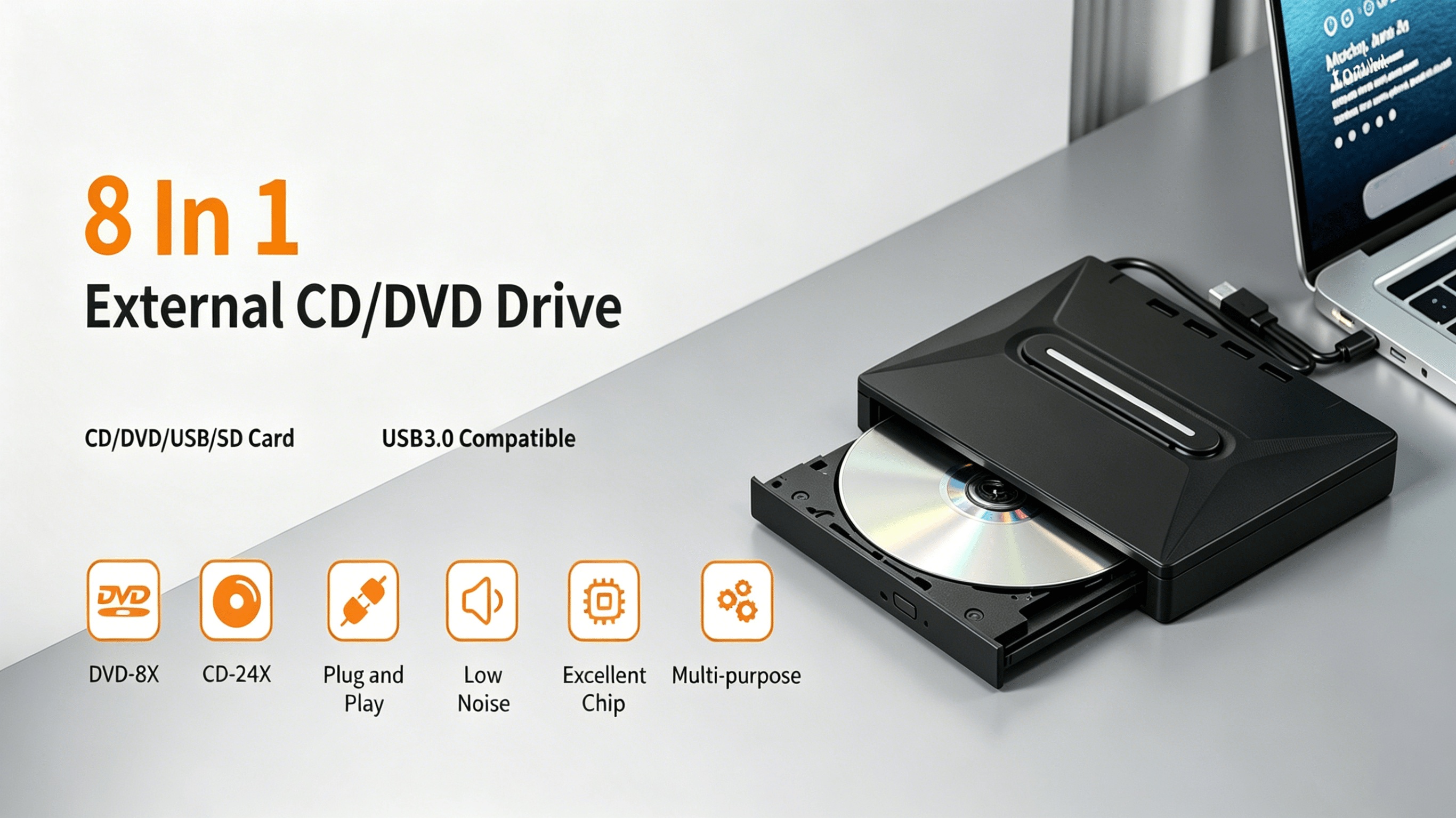
Add optical disc access and extra connections to your computer with this luminous 8-in-1 external CD DVD drive. Its portable design combines a CD/DVD +/-RW burner and player with USB 3.0 and Type-C connectivity, three USB ports and a TF/SD card reader.
Bring out a disc at your desk, connect the drive to a suitable computer and use compatible software for playback or burning. The integrated hub and card reader keep several useful connections together in one accessory.
💿 Disc Access and Desktop Connections
- Read and write discs: CD/DVD +/-RW burner and player functions provide optical media access.
- Three USB ports: An integrated hub adds connection points for your desk setup.
- TF/SD card reader: Access supported memory cards from the same accessory.
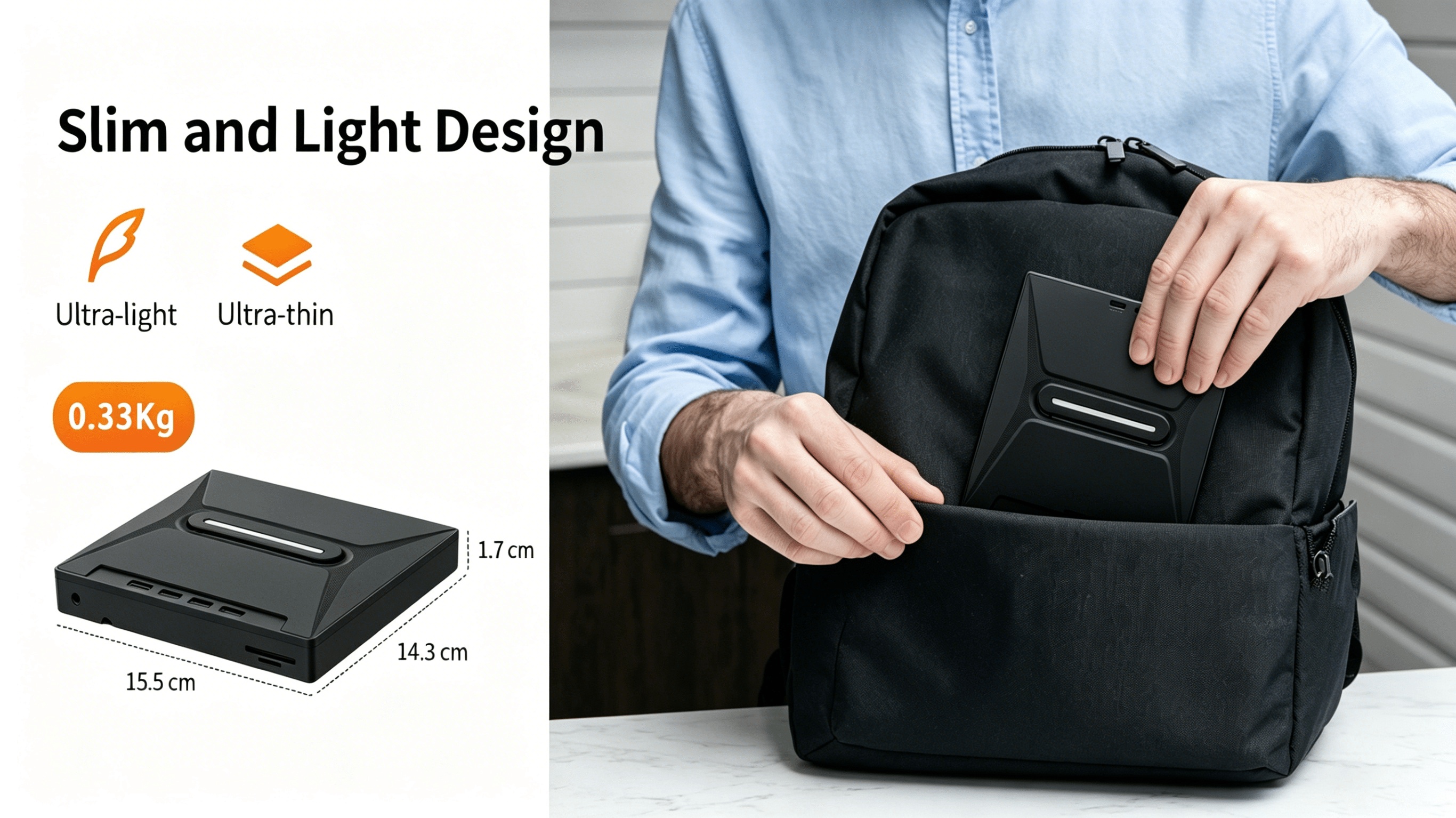
- Portable luminous design: A compact-use alternative to an internal optical drive, with a luminous design as listed.
- Computer use: Listed for Windows and Linux laptops and desktop PCs; specific system versions are not provided.
Specifications
| Product type | 8-in-1 external optical drive and hub |
|---|---|
| Disc functions | CD/DVD +/-RW burner and player |
| Connectivity | USB 3.0 and Type-C |
| USB hub ports | 3 |
| Card reader | TF/SD |
| Listed systems | Windows and Linux |
| Computer types | Laptop and desktop PC |
| Color | Black |
| Design | Portable, luminous |
Frequently Asked Questions
1. Who is this external drive for?
It is intended for Windows and Linux laptop or desktop users who need CD/DVD access and an integrated hub. Check your system version, connections and software requirements before purchase.
2. What can I use it for?
It is listed as a CD/DVD +/-RW burner and player, with three USB ports and a TF/SD reader. Disc operations depend on compatible media and software; exact read and write speeds are not specified.
3. Could this be a useful gift?
It may suit someone who uses CDs, DVDs or memory cards with a computer. Confirm their system and connection requirements first; gift packaging is not specified.
4. How do I set it up?
Connect it using a suitable USB or Type-C connection and follow the supplied instructions. Use software appropriate to your operating system and disc task; driver-free operation is not confirmed.
5. Are discs, cables or software included?
The available listing does not confirm the accessory contents, blank discs or bundled software.
6. Is it a STEM learning kit?
No educational kit or STEM curriculum is specified. It is a computer accessory for disc access and peripheral connections.
Product Images
Fast US Shipping
Ships from US warehouse, free delivery 2-7 business days